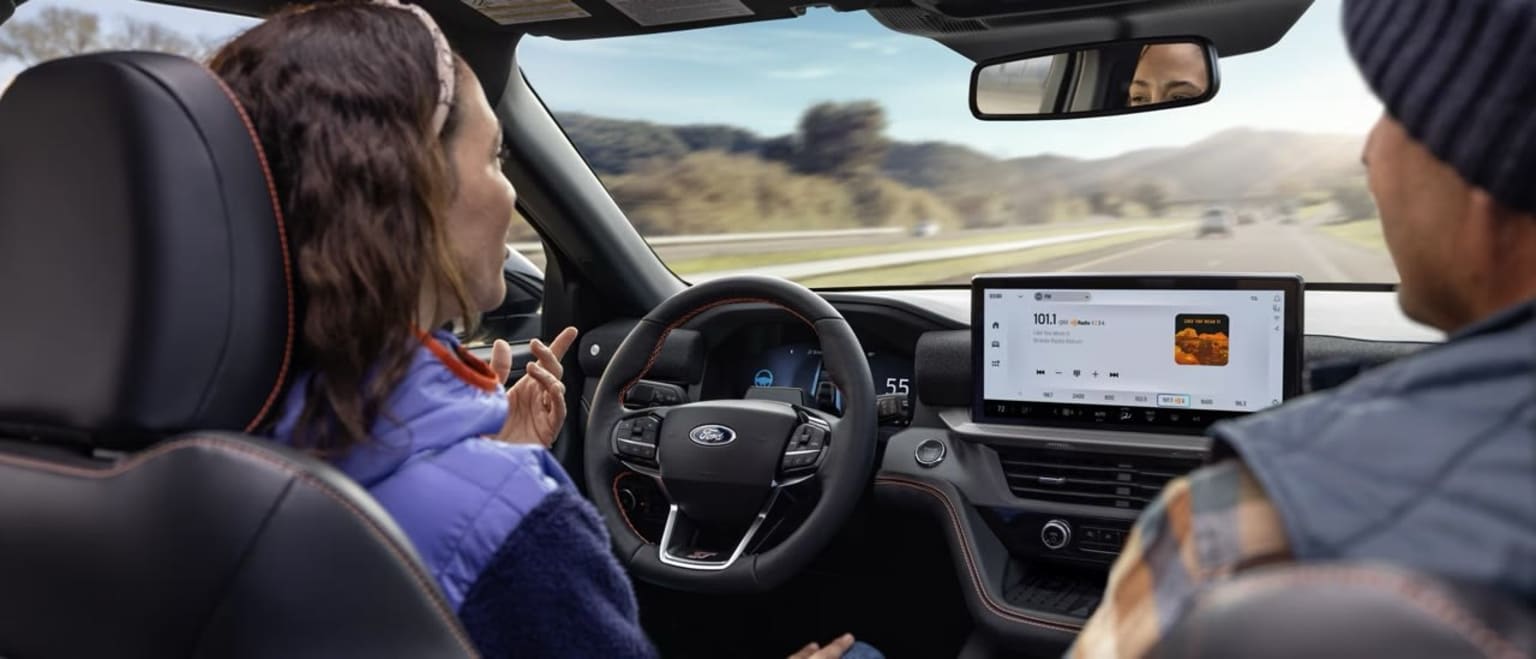
What Is Ford BlueCruise? Hands-Free Driving Explained
Highway driving is where fatigue sneaks up on you… steady speed, constant lane corrections, and stop-and-go traffic that never quite stops. That’s exactly where Ford’s newest driver-assist tech steps in.
What is Ford BlueCruise? It’s Ford’s hands-free highway driving technology designed to help make long drives easier, smoother, and less stressful when you’re on compatible, pre-mapped roads.
Ford BlueCruise hands-free driving: what it actually does
BlueCruise builds on driver-assist tech like Adaptive Cruise Control and Lane Centering to enable Ford BlueCruise hands-free driving on approved highway sections Ford calls Hands-Free Blue Zones.
What is Ford BlueCruise? It can:
Keep your vehicle centered in the lane
Maintain a set speed (and adjust as traffic changes)
Keep a following distance from the car ahead
Let you take your hands off the wheel on eligible roads (with active driver monitoring)
Ford says BlueCruise works across 130,000+ miles of prequalified divided highways in North America.
Where it works (and how you’ll know)
BlueCruise is designed for specific mapped highways, not every road in town. When you enter a Hands-Free Blue Zone, your vehicle will indicate that Ford BlueCruise hands-free driving is available (Ford describes this as a “hands-free” state on these prequalified sections).
Think of what Ford BlueCruise is like this:
Neighborhood streets: no
Two-lane backroads: no
Divided highways that Ford has mapped: yes (when conditions allow)
The most important safety piece: driver monitoring
Ford BlueCruise is hands-free driving, but it is not eyes-free. It uses a driver-facing camera (infrared-based monitoring) to help confirm you’re paying attention to the road. If you look away too long, you’ll get escalating alerts asking you to re-engage.
This is why Ford BlueCruise is a different experience than old-school “lane keep” systems: it’s built around the idea that the driver stays alert while the car reduces the repetitive workload of highway cruising.
What BlueCruise does not do
Ford BlueCruise is a driver-assist system, not self-driving. It won’t:
Make complex city turns for you
Replace your judgment in construction zones
Guarantee hands-free operation in every highway situation
Let you ignore the road (driver monitoring is part of the system)
Ford BlueCruise features you’ll actually feel day-to-day
The “wow” isn’t just taking hands off the wheel, it’s how much calmer highway driving can feel when the vehicle is helping with the constant micro-corrections.
Drivers tend to notice:
Less fatigue on long commutes
Smoother lane-centering behavior on supported highways
More relaxed traffic pacing with Adaptive Cruise-style following
Clear prompts when hands-free is available (and when it isn’t)
Ford has also continued to evolve BlueCruise over time (versions 1.x), with Ford describing improvements that build on the original hands-free foundation.
How to use BlueCruise (simple overview)
Exact steps vary by model, but Ford’s setup generally looks like:
Enable the relevant driver-assist settings in the vehicle menu
Turn on Adaptive Cruise Control and lane centering / hands-free Ford BlueCruise features
When you enter a Hands-Free Blue Zone, the system will indicate hands-free availability
We’ll walk you through it in person during your test drive so you’re ready to roll.
Try Ford BlueCruise in Hinesville
If you’re curious about what Ford BlueCruise is and how Ford BlueCruise hands-free driving feels in real life, the best next step is experiencing it on the right road with a Ford specialist riding along.
Visit J.C. Lewis Ford Hinesville to test drive a BlueCruise-equipped model, compare trims that offer it, and get a quick walkthrough of the most useful Ford BlueCruise features for your commute and road trips.
Bluecruise FAQs:
+ What is Ford BlueCruise?
BlueCruise is Ford’s hands-free highway driving technology. On eligible, pre-mapped divided highways (Hands-Free Blue Zones), it can help steer, maintain speed, and keep distance from the vehicle ahead, all while monitoring driver attention. What is Ford BlueCruise? It’s driver-assist, not self-driving.
+ How much is BlueCruise?
Pricing can vary by model, trim, and whether it’s included as a trial or part of a package. Some Ford vehicles include a trial period and then require a paid subscription to continue using hands-free functionality. Ask our team!
+ How does BlueCruise work?
BlueCruise builds on adaptive cruise control and lane-centering technology. When you’re on a compatible highway, the system uses cameras/sensors plus pre-mapped road data to keep the vehicle centered and paced with traffic. A driver-facing camera monitors attention to ensure you’re watching the road.
+ Does BlueCruise follow navigation?
BlueCruise does not “drive your route” like a self-driving system. It can assist with hands-free highway cruising on eligible roads, but you’re still responsible for navigation decisions, lane changes when required, and turns/exits.
+ Does BlueCruise work while towing?
It depends on vehicle, configuration, and conditions. Some driver-assist Ford BlueCruise features may be limited or require extra caution when towing. The best practice is to check your owner’s manual and vehicle settings for towing-related limitations.
+ Does my truck have BlueCruise?
The quickest checks:
Look at the window sticker for “BlueCruise” or a BlueCruise-equipped package
Check the vehicle’s driver-assist settings menu
Ask our team to verify by VIN (fastest and most accurate)
+ Does BlueCruise work at night?
Yes, BlueCruise can work at night as long as conditions are right: clear lane markings, compatible roadways, and sensors/cameras able to “see” properly. Heavy rain, fog, glare, or poor lane lines can reduce performance and may cause the system to request driver control.